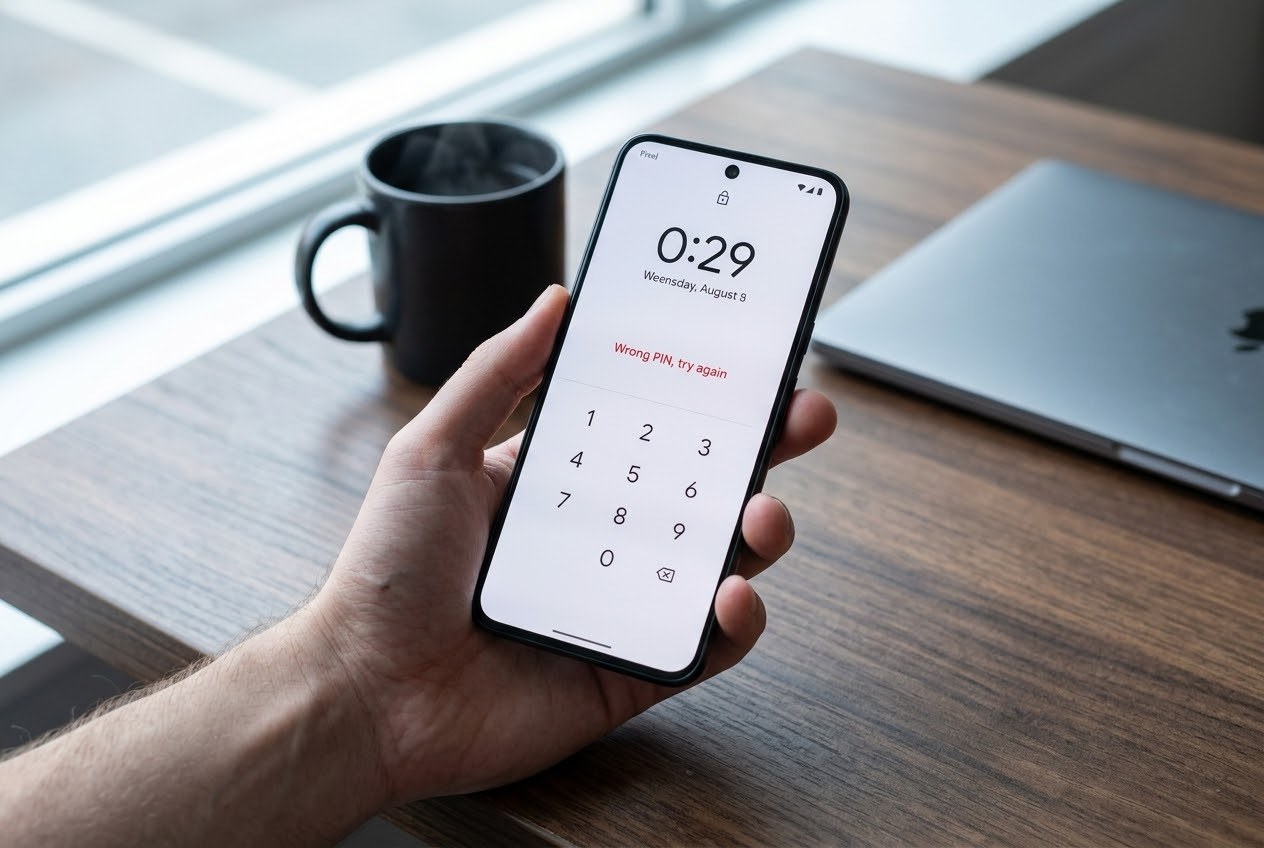
Updates are supposed to make your phone safer. For some Google Pixel owners, the September 2026 update did the opposite. It stopped accepting the correct PIN or pattern, and the only way back in was erasing the phone. Google had not made a public statement in the reports I found. Here is what is known, what is not, and the few minutes of prep that can save your photos.
What happened
Pixel owners began posting on Reddit after the September 2026 update that their phones would no longer accept their lock screen. Android Authority reported the problem on the Pixel 10 Pro XL and the Pixel 8a, with other models possible. (Android Authority) TheStreet's report, which dates the complaints to around September 27, also lists the Pixel 8 Pro. (TheStreet)
- Pattern users: some said the phone refused to recognize the pattern they had set.
- PIN users: one said the phone would accept the PIN after only one digit was entered, which is a different kind of failure from simply being locked out.
The cause has not been identified publicly. Android Authority notes this may not be as widespread as some earlier Pixel bugs, but there are no official numbers. (Android Authority)
The fix is the painful part
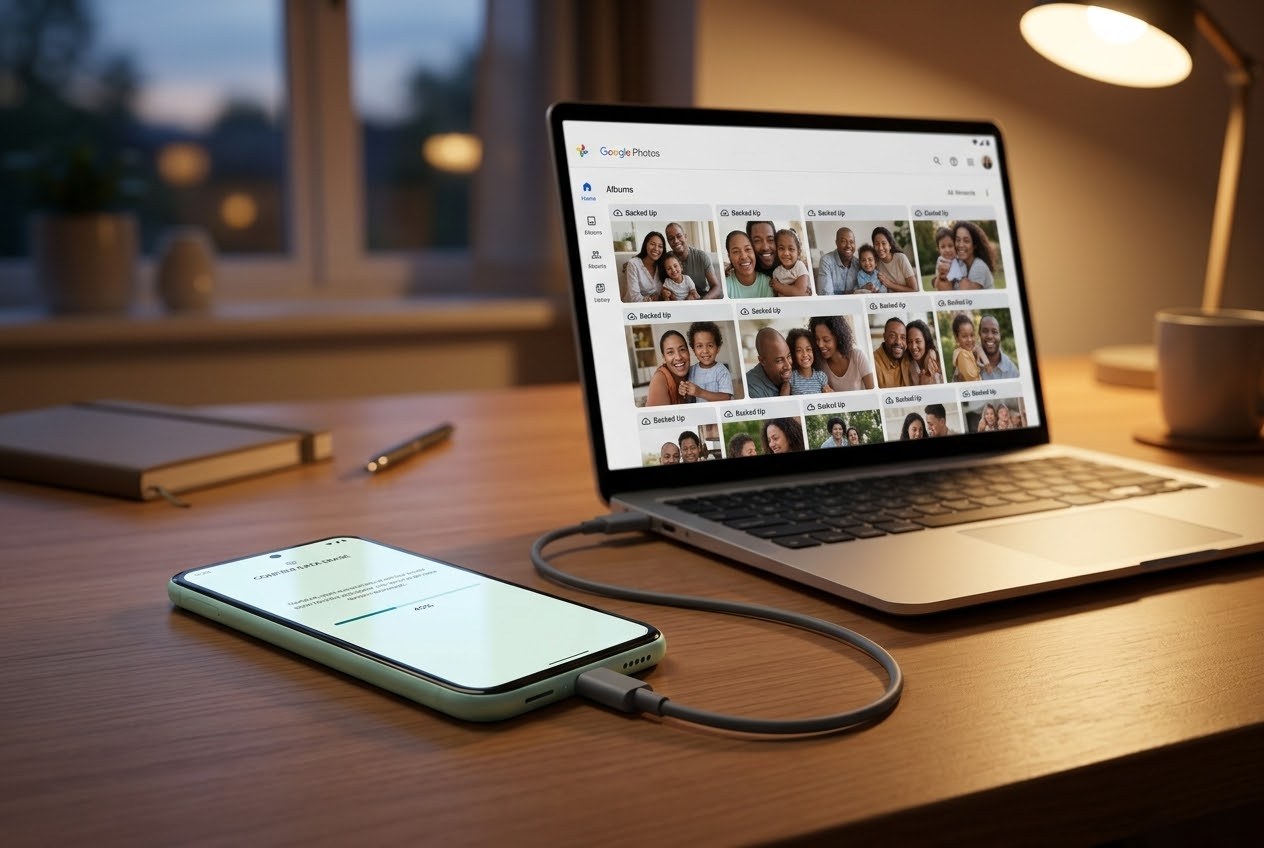
Google's support guidance for a phone you cannot unlock is blunt: you will need to erase it. A factory reset removes the apps, photos, and music stored on the phone. Data you backed up to your Google Account may be restorable. (TheStreet)
One user got back in by triggering the "Too many attempts" message and waiting for the timer to run out, which cleared a PIN problem. That did not work for everyone, so do not count on it. (Android Authority)
Reports say Google has been contacting affected users in the Reddit threads, so it is aware. I did not find a patch announcement.
Why this kind of bug happens
Phone makers roll updates out in stages, to a small slice of devices first and then wider as problems show up. That is meant to limit the damage. It is also why bugs like this hit some people and not others: the exact model, the build, and the lock method all change who is affected. A staged rollout reduces the harm, but it does not remove it, and the first people to install are effectively the test group.
What to do before the next update
- Check your backup. Look in your backup settings (menu names vary a bit by Android version) and confirm the last backup is recent. Open Google Photos and confirm your library shows as backed up.
- Make sure you know your PIN or pattern. If you changed it recently, test it before you install anything big.
- Consider waiting a day or two on big updates if your phone is essential. If you rely on it for work or travel, holding off 24 to 48 hours lets early problems surface. That is my advice, not Google's, and it trades a short security delay for lower risk.
- If you are already locked out, do not keep guessing. Confirm you can sign in to your Google account on another device first, then use the erase and restore path.
Bottom line: a real bug exists, it affects some Pixel models, Google appears to be aware, and the only recovery I could confirm is an erase. The best protection is boring: a current backup before every major update.
Verified October 4, 2026. Affected models and symptoms come from press reports and user posts. Google had not issued a public statement in the sources reviewed. The studio's app lineup is at jcmobileappstudio.com/apps.
Sources: Android Authority, TheStreet, TechSpot
Comments
Be kind and stay on topic.
No comments yet. Be the first.