Mark Gurman summed up today in one line: "Amazing that these things only happen on Friday afternoons." Several stories dropped within a few hours of each other, and most of them come back to the same question. Who controls your device, your data, and what gets seen about you?
1. Some iPhone 18 Pro Max phones on AT&T need to be replaced
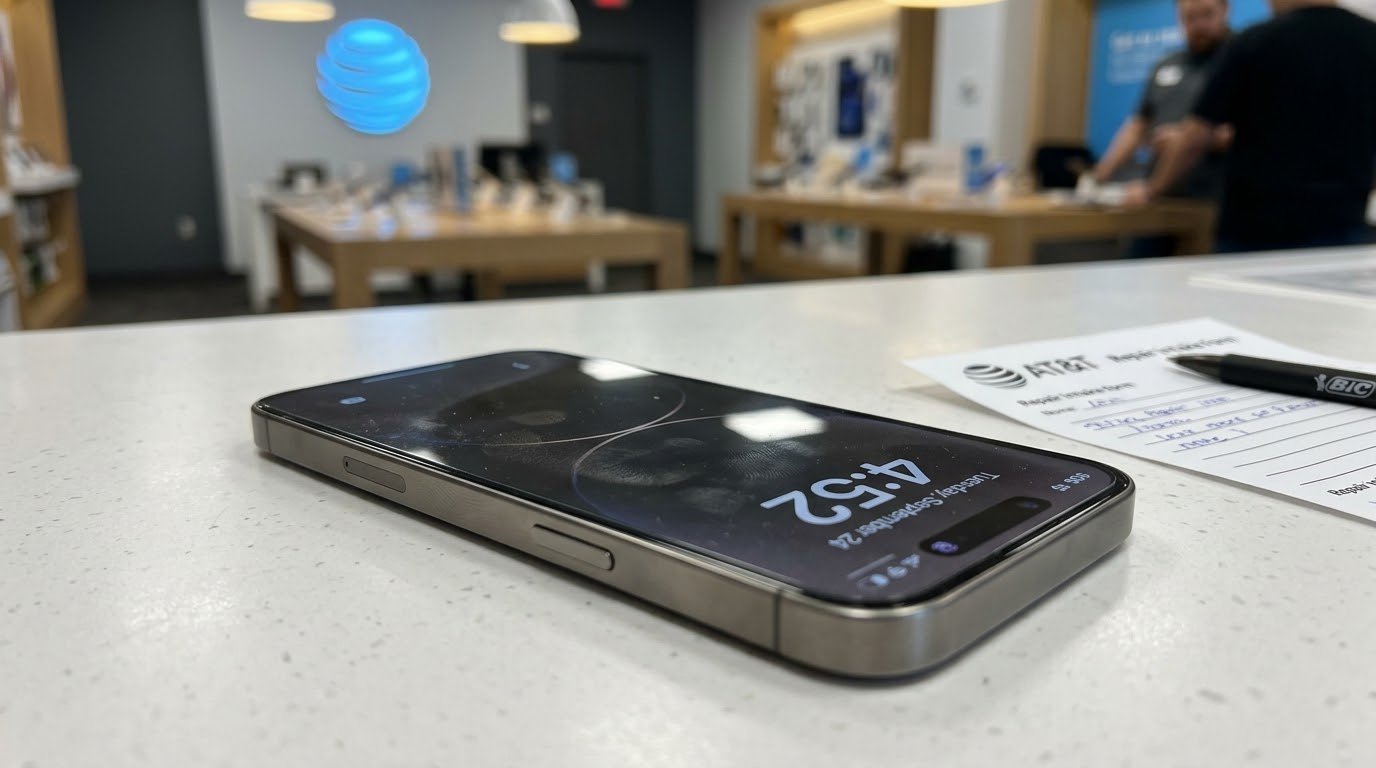
This is a follow-up to this morning's Apple roundup, where iOS 27.0.1 was the fix. It turns out the update is not enough for everyone. Apple confirmed that "a small number" of iPhone 18 Pro Max owners on AT&T lost cellular service because of a bug, and phones that already lost service need a hardware replacement. (9to5Mac)
- The symptom: the status bar shows SOS instead of signal bars. No calls, no texts, no data. AT&T's own statement says the issue "may affect calls, data, texts, and 911 calls." (MacRumors)
- The timeline: reports started after the phone launched on September 18. Apple released iOS 27.0.1 earlier this week, and a carrier settings update is rolling out automatically over about 14 days. (9to5Mac)
- The catch: the update is meant to protect phones that still work. It does not bring back a phone that already dropped into SOS.
- Pushback: MacRumors reported some customers said warranty replacements were declined at first, so be persistent. (MacRumors)
One detail worth knowing: according to MacRumors, the U.S. iPhone 18 Pro Max is the only new iPhone this year with a Qualcomm modem, while the rest of the lineup uses Apple's own C2 modem. Apple has not said that is the cause, so treat it as context, not a conclusion. (MacRumors)
If you have an iPhone 18 Pro Max on AT&T:
- Update to iOS 27.0.1 now in Settings, General, Software Update.
- Open Settings, General, About and wait a few seconds. If a carrier update is ready, you will get a prompt.
- If you are already stuck in SOS, contact Apple Support, book an Apple Store appointment, or go to an AT&T store and ask for a replacement.
- Take a screenshot of the SOS status bar and write down when it started. It helps if a rep pushes back.
2. Apple is tightening Full Disk Access on the Mac because of AI agents
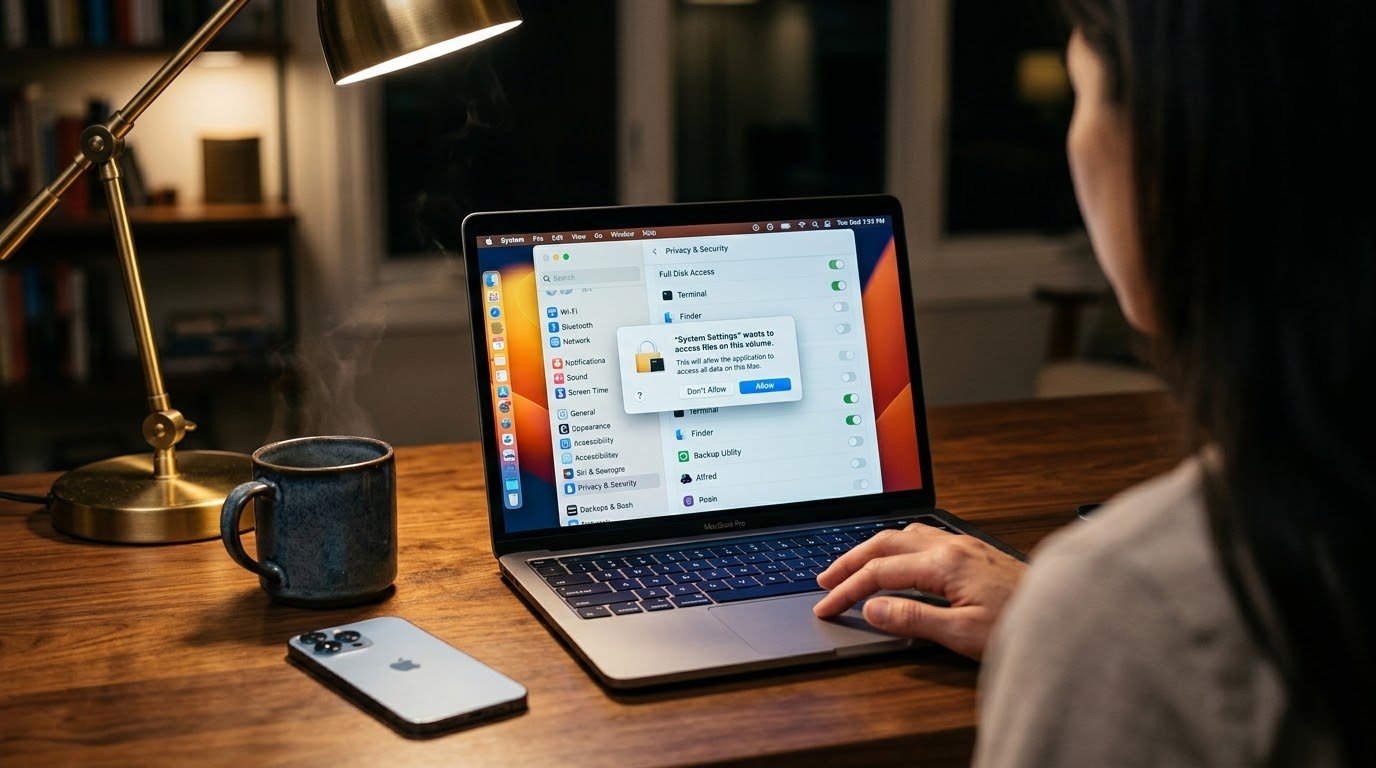
Apple posted a developer notice saying some apps are using Full Disk Access in ways that put people at risk. In Apple's words, they can expose "everything on their systems, including files, mail, messages, and even browsing history, without users' full knowledge and understanding." (Engadget)
The reason is AI agents. The new wave of Mac agents that click, type, and work across apps for you often asks for Full Disk Access so it can "just work." One click in a setup screen, and an agent can read almost everything on your Mac. Engadget pointed to agents like OpenClaw as examples of tools asking for that kind of access. (Engadget)
Apple says it will add controls so anyone who really wants to give an app that level of access "can only do so with very explicit user action." There is no macOS version or date yet. MacStories pushed back on one part of Apple's note, which described Full Disk Access as mostly for backup apps. Plenty of legit Mac tools use it too, like Finder replacements, launchers, and utilities, so expect some grumbling from Mac developers once the details land. (MacStories)
What you can do today:
- Open System Settings, Privacy & Security, Full Disk Access.
- Go through every app on the list and ask, does this really need to see everything?
- Turn off anything you do not recognize or do not use anymore.
- Slow down with AI agent apps. If the setup asks for Full Disk Access, read why before you click Allow.
As someone who builds privacy-first apps, I like this direction. "Allow everything" should never be a casual click, and AI agents make that more true, not less.
Related: California just subpoenaed OpenAI
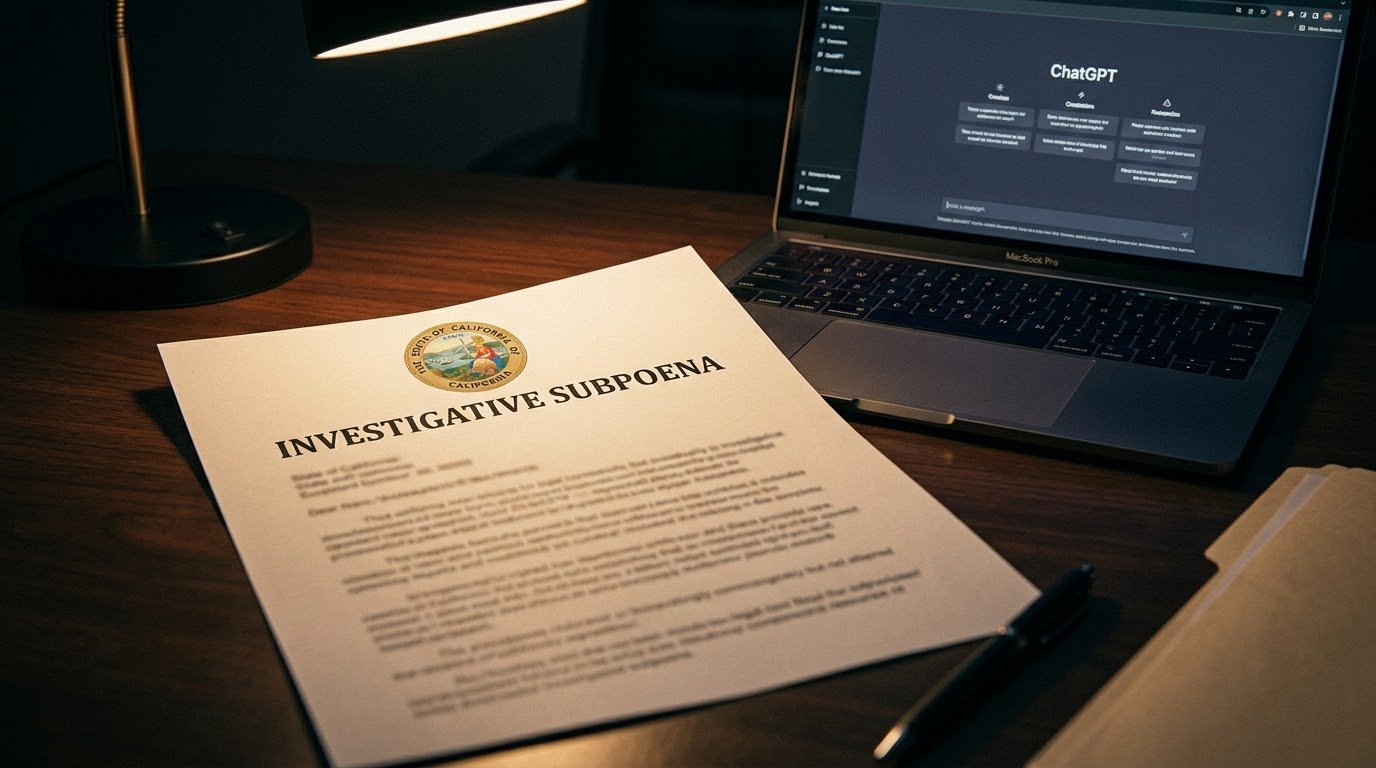
Apple is not the only one worried about what AI agents can reach. California Attorney General Rob Bonta served an investigative subpoena on OpenAI on September 30, asking for more information about cybersecurity incidents and risks tied to its AI models, including the Hugging Face incident his office announced last month. (California Attorney General)
His take: "Developers that fail to ensure models don't perpetrate or enable cyberattacks can and should be held legally accountable." A subpoena is a request for information, not a finding that OpenAI did anything wrong, and the investigation is ongoing. Still, in one week the biggest platform company and the biggest state both said the same thing. AI agents need tighter limits. (California Attorney General)
3. Flock is trying to take down a map of its own cameras
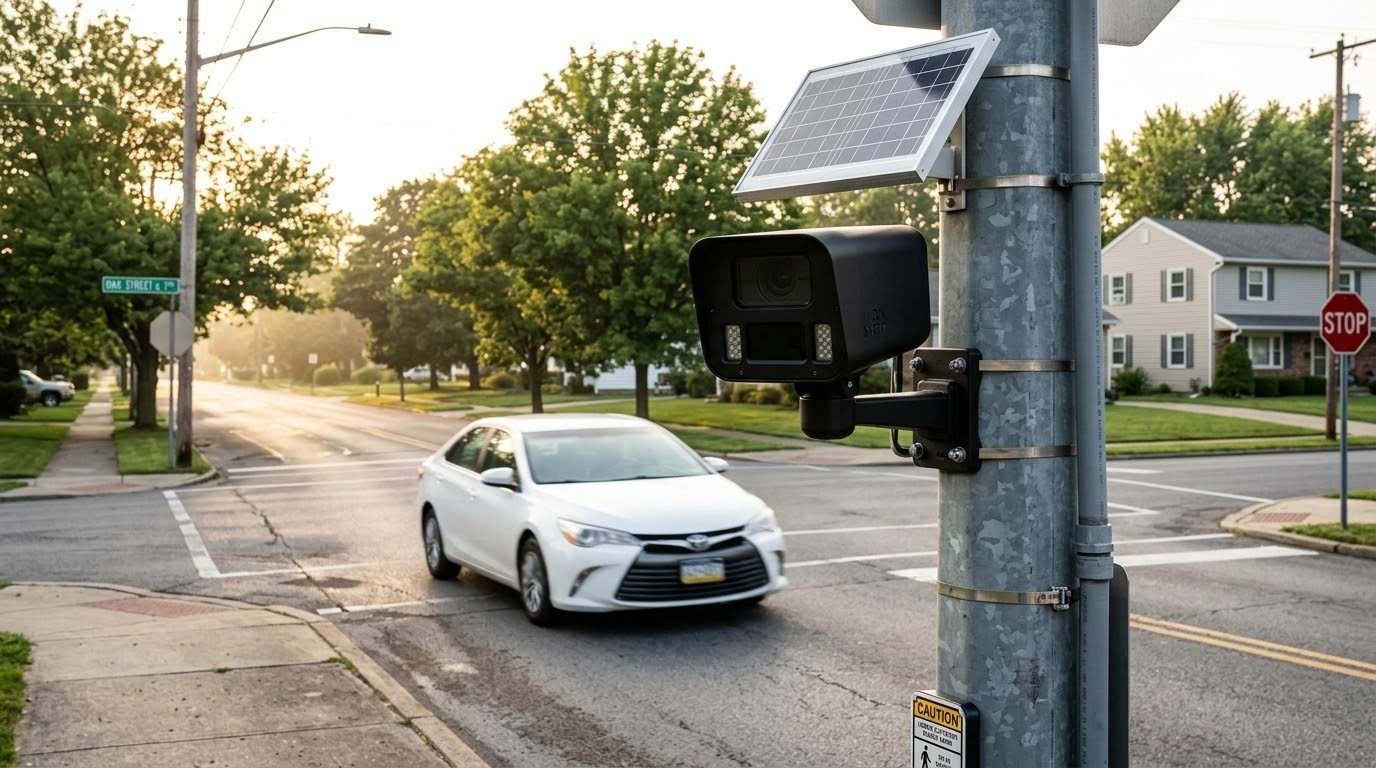
Flock Safety makes the license plate reader cameras showing up in neighborhoods, parking lots, and city streets across the country. Today it was reported as threatening legal action against the developer behind FlockSurveillance.org, a site that, as Polymarket put it, "surveils the company's nationwide surveillance network." (Polymarket on X)
- The site: developer and researcher Joshua Michael built an interactive map of Flock device locations. According to Tom's Hardware, he pulled a database of 335,701 locations in November 2025 using an unauthenticated flaw in Flock's site that handed out access tokens without a login, then queried the ArcGIS mapping service Flock uses. (Tom's Hardware)
- The disclosure: Michael says he reported the flaw to Flock on November 13, 2025, and that his testing was "strictly non-intrusive, limited to open unauthenticated endpoints." He says Flock acknowledged it and then went quiet. (Tom's Hardware)
- Flock's move: a trademark infringement complaint was filed through the brand protection firm Doppel, arguing the site uses the "Flock Safety" name without permission. (Tom's Hardware)
- Not the first time: in 2025, Flock sent a cease and desist over the name of DeFlock, an open source map of license plate readers. The EFF called the claims "groundless," and the project stayed up. (404 Media)
Both sides' claims here are unproven, and no court has ruled on any of it. But the bigger question is simple. If a company can log where cars go, should the public be allowed to know where its cameras are? Flock says it supports transparency. Trying to take down a map of its own devices is a hard look for that message.
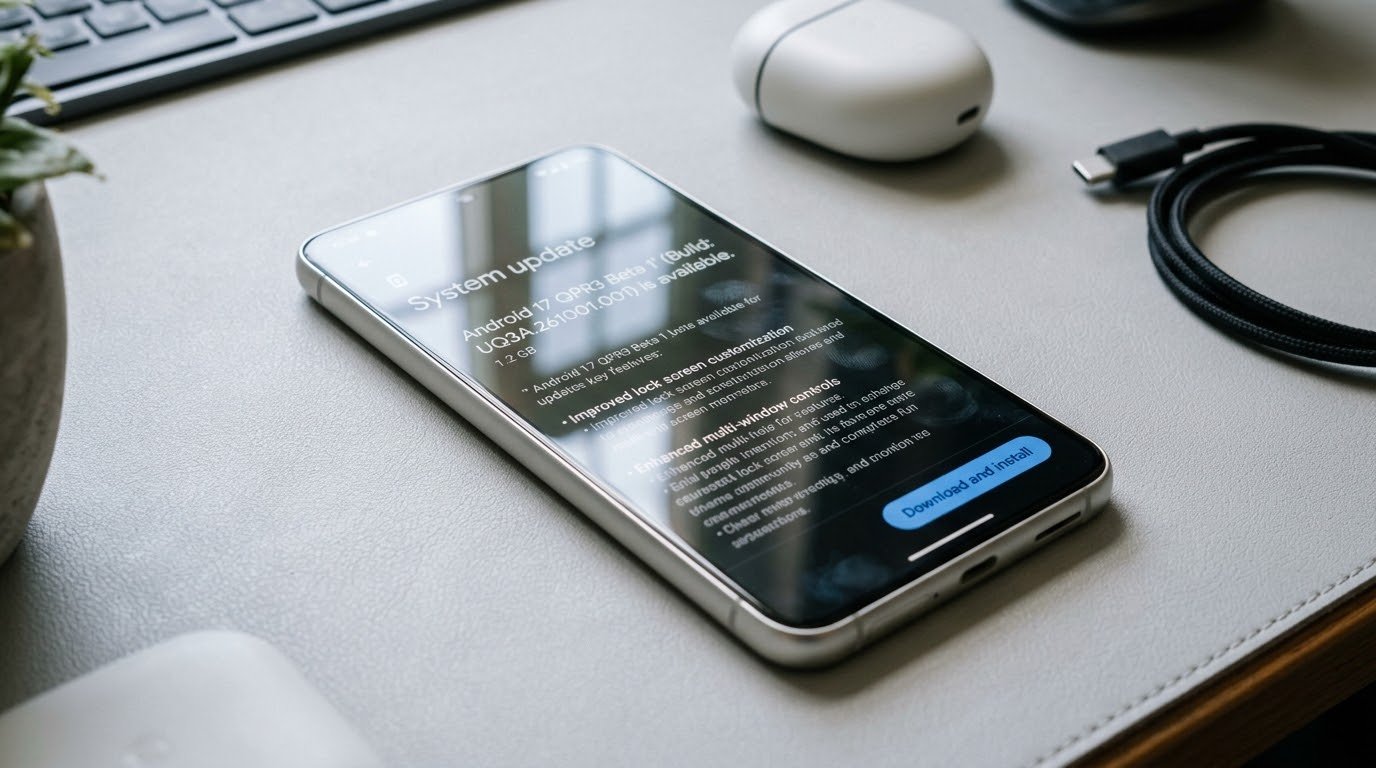
Quick hit: Android 17 QPR3 Beta 1 is out
Google also rolled out Android 17 QPR3 Beta 1 today for the Pixel 6a through the Pixel 11 series. It is mostly a bug fix release, with about 20 fixes for things like NFC detection, fingerprint sensor freezes, Wi-Fi reconnects, camera rotation in video calls, and battery drain with Flip to Shh turned on. (Android Authority)
The interesting part is in the code. Android Authority found signs of two features in progress:
- Phone unlock: "Your phone can unlock this device when it's within reach and unlocked," which sounds a lot like the way an Apple Watch can unlock a Mac.
- Gamepad as a mouse: a controller that can move the cursor around the screen. (Android Authority)
Neither one works yet. If you are in the Android Beta for Pixel program, the beta is available now.
The thread that ties it together
- A phone that costs over a thousand dollars can lose the ability to call 911 from one bug.
- A Mac app can read your messages and browsing history if you click Allow too fast.
- A camera network can log where your car goes, but a map of where those cameras sit is the thing getting a complaint.
Bottom line: different stories, same lesson. Update your devices, check your settings, and pay attention to who is asking for access to what. Happy Friday. Go update your phone.
Verified October 2, 2026. Apple has not given a macOS version or date for the Full Disk Access changes. The studio's app lineup is at jcmobileappstudio.com/apps.
Sources: 9to5Mac, MacRumors, Engadget, MacStories, California Attorney General, Polymarket on X, Tom's Hardware, 404 Media, Android Authority
Comments
Be kind and stay on topic.
No comments yet. Be the first.